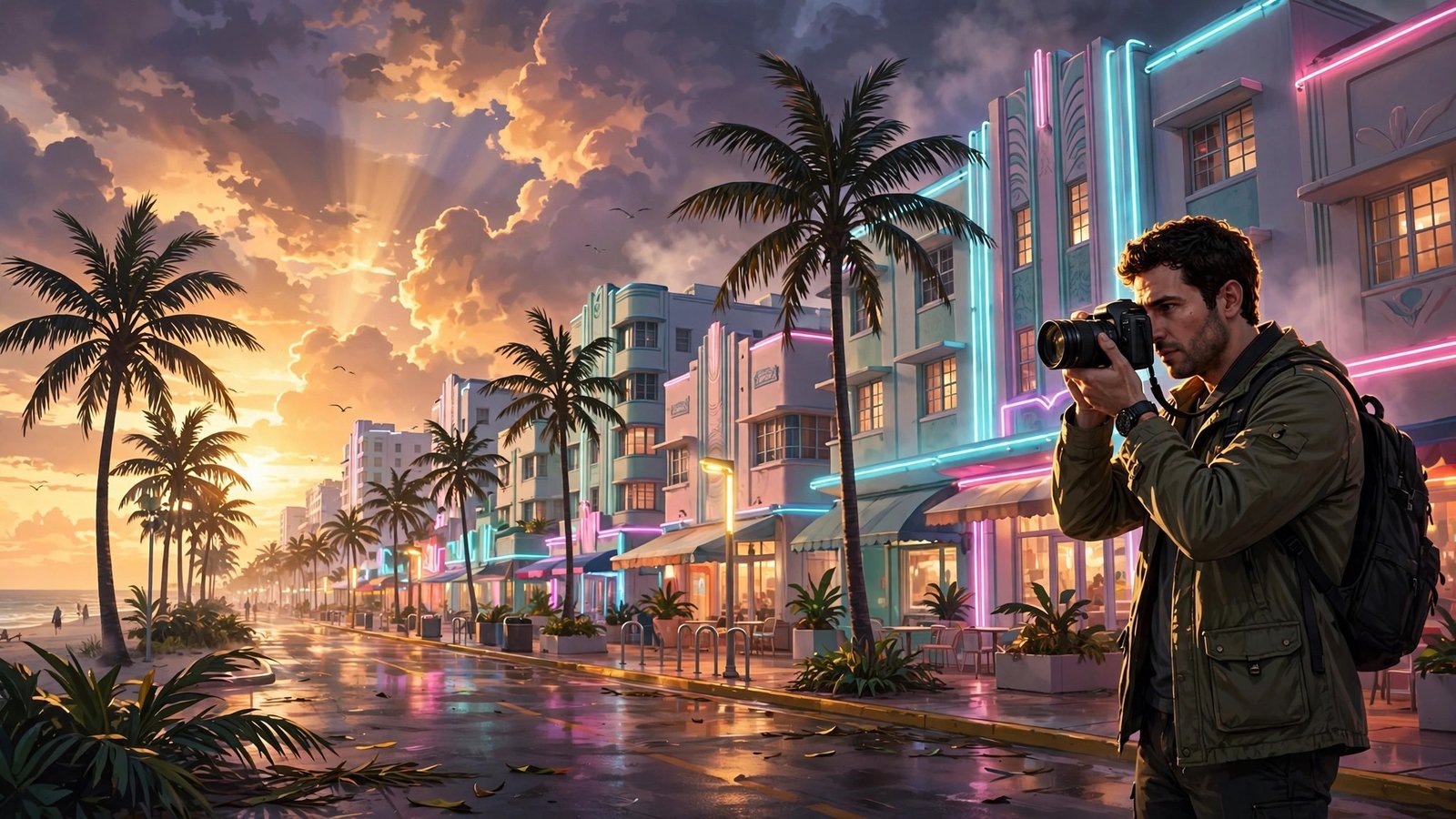
GTA 6 Photo Mode and Rockstar Editor: Capture Leonida Like a Pro
Some of the best gaming screenshots of the last decade came from photo modes, and GTA 6’s Leonida might be the most photogenic open world Rockstar has ever built. Neon streets, golden beaches, swamps at dawn, mountain roads at dusk: the trailers look like a photographer’s dream. The question every screenshot artist is asking is whether GTA 6 will have a photo mode, and whether the Rockstar Editor will return. Here is everything we know, what the trailers suggest, and how to capture Leonida like a pro when the game launches on November 19, 2026.
The facts first: GTA 6 launches on November 19, 2026, on PlayStation 5 and Xbox Series X|S, starring Lucia Caminos and Jason Duval. The Standard Edition costs $79.99 and the Ultimate Edition costs $99.99 in the US. Rockstar has not officially confirmed a photo mode or a Rockstar Editor for GTA 6, so everything in this guide about those features is framed as a possibility, a hope or a report, never as a confirmed fact. For a full breakdown of what the trailers actually show, read our GTA 6 Trailer 2 breakdown, and for the engine behind the visuals, see our GTA 6 graphics and RAGE engine guide.
Has Rockstar Confirmed a Photo Mode for GTA 6?
No. Rockstar has not officially confirmed a photo mode for GTA 6. That is the honest answer, and it matters, because photo mode has become a standard feature in big open-world games, from Red Dead Redemption 2’s photo mode to the ones in Spider-Man 2, Ghost of Tsushima and Horizon Forbidden West. Rockstar’s own Red Dead Redemption 2 shipped with a photo mode that let players pause the game, move the camera freely, change the lens, adjust the depth of field and apply filters. It would be surprising if GTA 6, a game built to be looked at, did not include something similar, but until Rockstar says so, it remains an expectation rather than a fact.
Reports from games media have speculated that a photo mode is likely, pointing to how cinematic the trailers are and how much of the marketing focuses on the look of Leonida. Those reports are not confirmation. Treat them as educated guesses. The safest way to think about it is this: plan for a photo mode, but do not promise yourself one until Rockstar confirms it.
Will the Rockstar Editor Return?
The Rockstar Editor was the video-making tool in GTA 5 on PC, PlayStation 4 and Xbox One, letting players record gameplay clips, edit them with camera angles, effects and music, and export short films. It was loved by the community, and it produced some of the most creative GTA content ever made, from machinima to music videos to full short films.
Rockstar has not confirmed whether the Rockstar Editor will return in GTA 6. There are reasons to be hopeful: the trailers are edited like films, the in-game social media suggests Rockstar is thinking about how players share content, and a modern editor would fit perfectly with a game that is expected to dominate social media. There are also reasons to be cautious: the Editor was a PC-first feature in GTA 5, and GTA 6 launches on consoles only, with no PC version announced. A console editor would need a different design. Again, this is speculation, and this guide labels it as such.
What the Trailers Tell Us About the Visuals
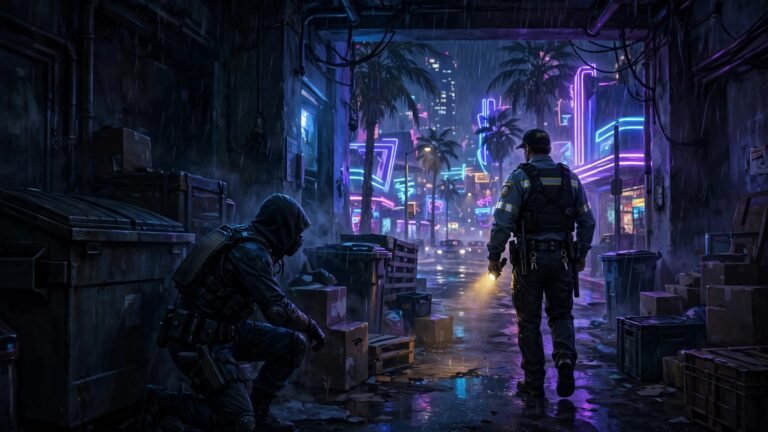
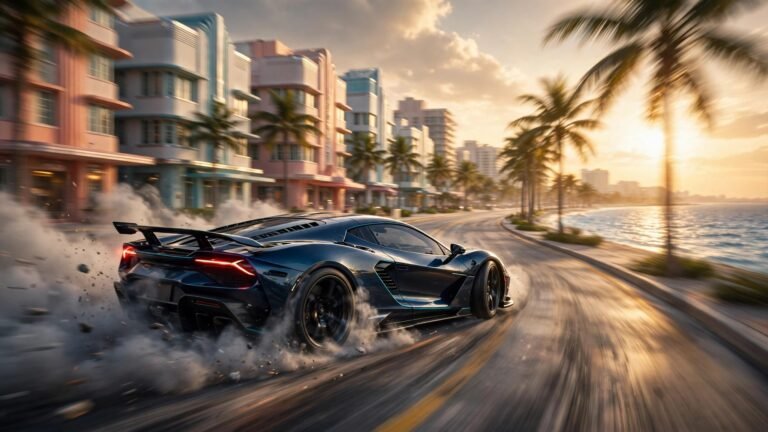
Even without a confirmed photo mode, the trailers show a world built for the camera. The lighting is the star: golden-hour sun on Vice Beach, neon reflections on wet streets after rain, the pink and teal glow of Ocean Drive at night, and the soft morning light over the Grassrivers. The upgraded RAGE engine handles dense crowds, detailed interiors, wildlife and weather, all of which make for richer screenshots.
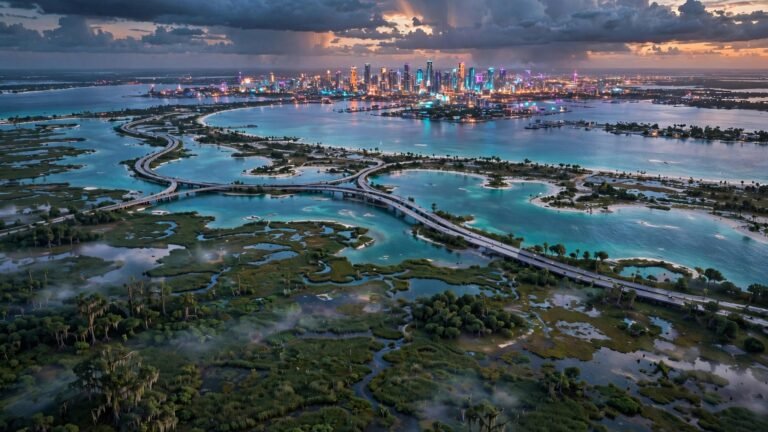
The trailers also show an enormous variety of locations within a short drive: the beach, the city, the Keys, the swamps, the mountains and the port. That variety is a photographer’s gift. You can shoot a sunset beach scene, a neon street scene and a misty swamp scene in a single session without fast travelling far. The world is also full of small details, from shop signs to street life, that reward a patient eye.
How to Take Great GTA 6 Screenshots Without a Photo Mode
If GTA 6 ships without a dedicated photo mode, your console’s built-in capture tools still work. On PS5, press the Create button to take a screenshot or save the last few minutes of gameplay as a clip. On Xbox, press the Share button for a screenshot or hold it to record a clip. Both consoles let you record in high quality, and both let you share directly to social media or a phone app.
The trick is to use the game itself as your camera. Find a good vantage point, wait for the right light, and use the game’s natural camera angles. Climb to a rooftop for a skyline shot. Stand on the beach at sunset. Drive slowly through a neon street at night and capture the reflections. If the game lets you hide the HUD, do that before taking your shot. Clean screenshots without health bars and mini-maps look far better.
Composition Tips for Leonida
Great screenshots follow the same rules as great photography. Use the rule of thirds: place your subject off-centre rather than in the middle of the frame. Look for leading lines, such as a road, a bridge or a row of palm trees, that draw the eye into the image. Shoot at golden hour, the hour after sunrise or before sunset, when the light is warm and the shadows are long. Use reflections: wet streets, car paint and the ocean all bounce light in interesting ways. And include scale: a tiny character against a huge skyline makes the world feel enormous.
Leonida also rewards patience. Wait for the weather to change. A storm rolling in over Vice City, fog in the swamps, or rain on a neon street can turn an ordinary screenshot into a striking one. The trailers show dynamic weather, so keep your camera ready when the sky changes.
What a Great Photo Mode Could Offer
If Rockstar does include a photo mode, here is what players will hope for: a free camera that can move anywhere, adjustable focal length and depth of field, time-of-day controls, weather controls, filters and colour grading, character poses and facial expressions, and the ability to hide the interface completely. The best photo modes also let you adjust the field of view and add a vignette or film grain. Red Dead Redemption 2’s photo mode offered many of these tools, so Rockstar already knows how to build one. A GTA 6 photo mode with the same depth, plus Leonida’s variety, could become one of the most used features in the game.
Sharing Your Work
GTA 6’s in-game social media, shown in the trailers, suggests Rockstar wants players to share what they see. Whether you post to the in-game world or to real social media, good screenshots travel. Tag them clearly, use the game’s name and location, and share the story behind the shot. The GTA community has always rewarded creativity, and Leonida is going to give photographers more material than any GTA world before it.
Frequently Asked Questions
Does GTA 6 have a photo mode?
Rockstar has not officially confirmed a photo mode for GTA 6. Red Dead Redemption 2 had one, and photo modes are now standard in major open-world games, so many fans expect one, but it is not confirmed. Watch for official Rockstar announcements closer to launch.
Is the Rockstar Editor coming back in GTA 6?
Rockstar has not confirmed whether the Rockstar Editor will return in GTA 6. The Editor was a popular video-making tool in GTA 5 on PC and last-generation consoles. Its return is possible but unconfirmed, and a console-first version would need a new design.
How do I take screenshots in GTA 6 without a photo mode?
Use your console’s capture tools. On PS5, press the Create button for a screenshot or to save recent gameplay. On Xbox, press the Share button. Hide the HUD if the game allows it, and shoot at golden hour for the best light.
When does GTA 6 launch?
GTA 6 launches on November 19, 2026, on PlayStation 5 and Xbox Series X|S. The Standard Edition costs $79.99 and the Ultimate Edition costs $99.99 in the US. No PC version has been announced.