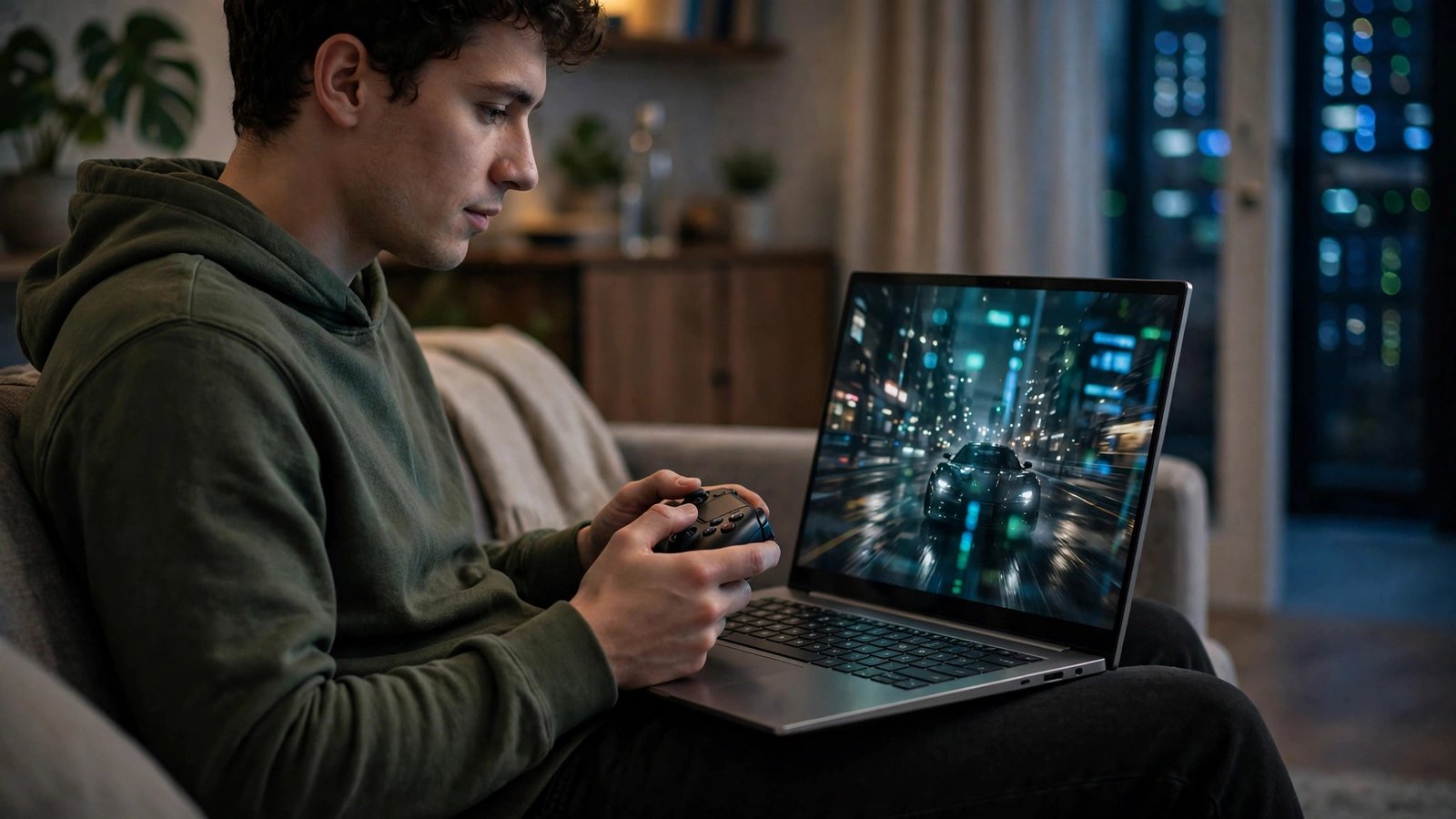
What Is Cloud Gaming? How It Works and Which Services Are Worth It
Imagine playing the latest open-world blockbuster in full detail on a five-year-old laptop, a tablet, or even your TV with no console beneath it. No downloads, no 150GB installs, no patch-day waiting — you press play and the game is simply running. That is the promise of cloud gaming, and in 2026 the technology has quietly matured from a novelty into a genuinely practical way to play. But what is cloud gaming exactly, how does it work under the hood, and which services are actually worth your money? Let us break it down.
What Is Cloud Gaming? A Simple Definition
Cloud gaming is a way of playing video games where the game itself runs on a powerful computer in a distant data center, not on hardware you own. That remote machine renders the graphics and streams the result to your screen as a live video feed, while your controller or keyboard inputs travel back over the internet. If Netflix replaced your DVD shelf, cloud gaming is the same idea applied to your games console — the heavy lifting happens elsewhere, and your device just needs to display the picture and send your inputs.
How Cloud Gaming Works, Step by Step
The Round Trip of Every Button Press
When you press jump, the signal travels from your controller to your home router, across the internet to the provider’s nearest data center, where the game processes it and renders the next frame. That frame is compressed into video, streamed back to you, and decoded by your device for display. This entire round trip must happen fast enough that you do not perceive a delay — ideally under 60–80 milliseconds total. Providers build data centers in major cities precisely to shorten that physical distance, which is why your location relative to a server matters as much as your internet speed.
Why Latency Is the Whole Game
Latency, often called input lag or ping, is cloud gaming’s defining challenge. Local gaming renders instantly on your own hardware; cloud gaming adds network travel time on top. Modern codecs, edge servers, and adaptive bitrates have made the experience feel near-native for most genres. Fast fighting games and competitive shooters at the highest level still favour local hardware, but for story games, RPGs, racers, and strategy titles, most players genuinely cannot feel the difference on a good connection.
What You Need to Use It
The requirements are refreshingly modest: a stable internet connection of at least 15–25 Mbps for 1080p (35 Mbps or more for 4K), a wired connection or strong 5GHz Wi-Fi, and a compatible screen — a browser, smart TV app, phone, tablet, or a cheap streaming device. A controller is recommended for most games, though some services support keyboard and mouse.
Cloud Gaming vs Traditional Gaming
The trade-off is ownership and convenience versus control and ceiling. Buying a console or PC costs several hundred dollars upfront but gives you the lowest latency, offline play, and mods. Cloud gaming swaps that for a monthly subscription, instant access on any screen, and hardware that upgrades itself — the provider’s servers get better over time while your old laptop stays the same. There are two business models to understand: services that stream a library of games Netflix-style, and services that let you stream games you already own from your own digital library. They suit different players, and many gamers use one of each.
The Main Cloud Gaming Services in 2026
NVIDIA GeForce NOW
GeForce NOW is the “bring your own games” champion: it connects to your existing Steam, Epic, and other store libraries and streams them on NVIDIA’s rigs. The free tier lets you test the concept with session limits, while paid tiers unlock longer sessions, priority queues, and high-end performance up to high resolutions and frame rates. If you already own a big PC library, this is usually the best value in cloud gaming.
Xbox Cloud Gaming
Bundled with a top-tier Game Pass subscription, Xbox Cloud Gaming streams a rotating library of hundreds of games, including many day-one releases, to TVs, phones, browsers, and even Xbox consoles themselves. Its strength is the sheer library value: if you would subscribe to Game Pass anyway, the cloud option costs you nothing extra and is perfect for trying games before downloading them.
PlayStation Plus Cloud Streaming
Sony’s cloud streaming, available on its highest subscription tier, focuses on streaming PS5 and classic catalogue titles to consoles and PC. It shines for subscribers already in the PlayStation ecosystem who want to sample older games or play without huge downloads, though its device support is narrower than its rivals’.
Amazon Luna
Luna takes a channel-based approach, with a rotating selection included for Prime members and optional add-on channels for specific publishers and genres. It is easy to start, works in a browser on almost anything, and suits casual and family play, even if hardcore players will find its performance ceiling and library more limited.
Boosteroid and Other Independents
Independent services like Boosteroid have carved out loyal followings by supporting huge “install and play” libraries from your own store accounts and serving regions the giants sometimes neglect. They are worth a look if you live outside the best-covered areas of North America and Europe.
Which Cloud Gaming Service Is Worth It for You?
If you own a large Steam library, GeForce NOW’s paid tier is the strongest choice. If you want an all-you-can-play library and day-one releases, Xbox Cloud Gaming with Game Pass offers unmatched breadth. PlayStation loyalists should use the streaming already in their subscription before paying for anything else. And everyone should start with a free tier or trial on their own connection — because the single biggest factor in your experience is not the service, it is the quality and distance of your internet route to their servers. Test at your normal gaming hours, on the device you will actually use, with the genres you actually play.
The Limitations to Know Before You Subscribe
Cloud gaming still has real caveats. A shaky connection means visual compression, stutters, or unplayable lag, and data caps matter — streaming at high quality can use 10–20GB per hour. Game availability changes as licences rotate, competitive esports titles are rarely ideal, and if a service shuts down (remember Stadia), games tied to it can vanish. Treat subscriptions as access, not ownership, and it remains a great deal.
Frequently Asked Questions
What internet speed do I need for cloud gaming?
Most services recommend at least 15–25 Mbps for smooth 1080p streaming and around 35 Mbps or more for 4K. Stability matters as much as speed: a wired Ethernet connection or a strong 5GHz Wi-Fi signal close to your router gives the best results.
Is cloud gaming good for competitive games?
Casual competitive play is fine on a good connection, but serious ranked players in shooters and fighting games will still notice the extra milliseconds of input lag. Cloud gaming excels at single-player, story-driven, and slower-paced genres where that delay is imperceptible.
Do I need a powerful PC for cloud gaming?
No — that is the entire point. The game runs on the provider’s servers, so an old laptop, a tablet, a smart TV, or even a phone can play demanding games as long as it can decode video and maintain a stable internet connection.
Can cloud gaming replace a console or gaming PC?
For many players, yes — especially those who play story games, have fast internet, and prefer a subscription to a big upfront purchase. Players who need offline access, mods, or the absolute lowest latency for competitive play are still better served by local hardware.
Conclusion
So, what is cloud gaming? It is your games running on someone else’s supercomputer and arriving on any screen you own, as a video stream you control in real time. In 2026 it is no longer a gimmick: on a decent connection it is a legitimate, money-saving way to play. Start free, test your connection honestly, and pick the service that matches the library you already own or want.